

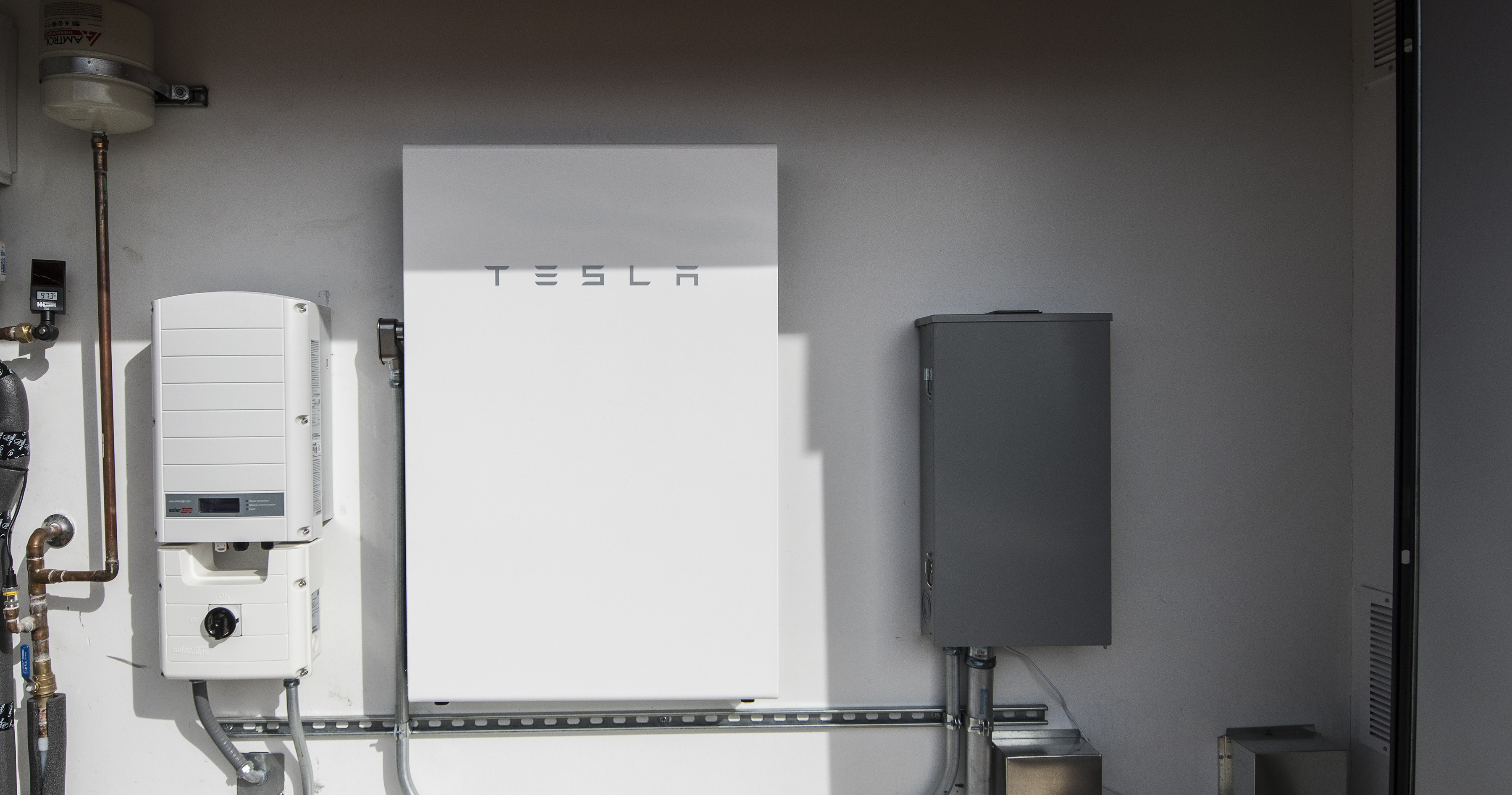
Your solar permits already run through SolarAPP+. Battery-only and add-on ESS submissions are the ones still landing on a desk for manual review. Storage Only closes that gap using the same code checks your team already relies on.

Battery installations with no solar, including home backup and grid-tied storage.

A battery added to an existing solar system, including NEM 2.0 retrofits.

The same submission flow, the same code compliance checks, and the same instant issuance as your other SolarAPP+ permits.
A short walkthrough of the submission, the automated code-compliance check, and the issued permit, start to finish.
Storage Only runs on the platform your staff already uses. Turning it on adds a permit type, not a process.

Send us a note and we'll handle the configuration.
Storage Only is available to every jurisdiction already on SolarAPP+. The jurisdictions below have already enabled it.
Yes. Storage Only is an add-on for Authorities Having Jurisdiction already using SolarAPP+. If your jurisdiction isn't on the platform yet, the team can set up solar and storage permit types together.
Nothing. There is no cost to local governments to implement SolarAPP+, and no cost to switch on Storage Only.
No. Storage Only uses the same platform, the same submission flow, and the same automated code compliance checks as your existing SolarAPP+ permits.
Standalone jurisdictions receive SolarAPP+ issued job cards. Gov-tech jurisdictions issue through their existing permitting platform, the same way they do today.
Yes. You set your storage permit fees and share them with the SolarAPP+ team during configuration.
That configuration (PV+ST) is already covered by standard SolarAPP+ review. Storage Only adds the two cases it didn't cover: battery-only installs and batteries added to an existing solar system, including NEM 2.0 retrofits.
This goes straight to the SolarAPP+ team. We already have your jurisdiction on file, so there is nothing to set up on your end.
Contractors submit storage-only and add-on ESS projects the same way as solar, using the SolarAPP+ account they already have.